


SonicPlay: Bridging Your PC Audio
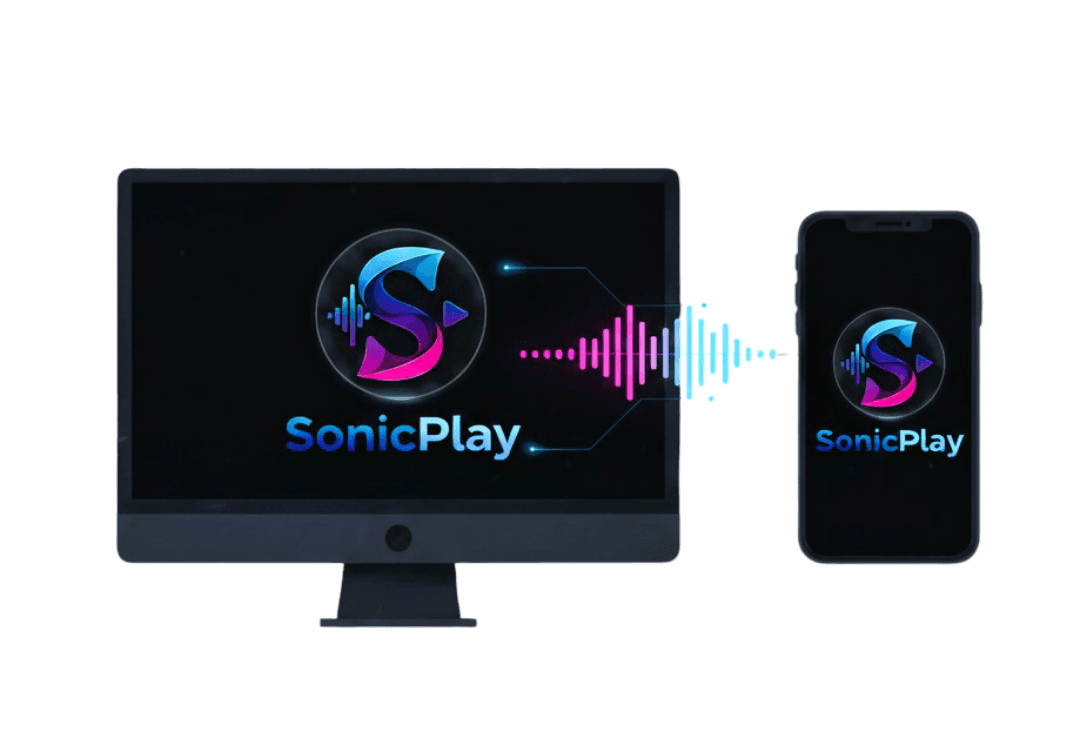
The definitive audio streaming solution designed to deliver ultra-low-latency, high-fidelity sound from your dedicated Windows machine directly to your Android mobile device.
The Dual Architecture: Server & Client
Windows Server App (The Source)
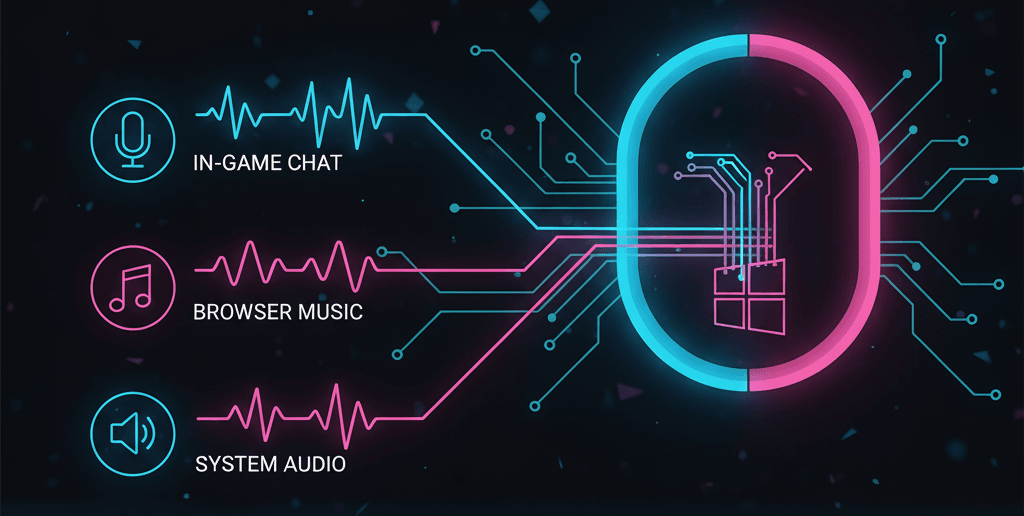
This component captures the complete audio output—from system sounds and games to music production—and broadcasts it over your local network.
Simplified Installation
- One-Click Setup: The setup.exe handles all file placement and configuration automatically.
- Firewall Crucial: The only required action is approving the Windows Firewall message on first launch to enable network broadcasting.
Android Mobile App (The Listener)
The mobile client connects directly to the server, providing high-fidelity, low-latency playback of the received audio stream anywhere on your local network.
Wireless Audio Freedom
- Effortless Connection: The app connects instantly using the local IP address of your Windows Server.
- Optimized Playback: Built for stability and speed, prioritizing rapid decoding to minimize stream delay.
Advanced Server Management
| Feature | Description | Benefit |
|---|---|---|
| Run on Startup | Ensures the service launches automatically when Windows boots. | Guarantees continuous audio availability. |
| CPU High Priority | Assigns higher CPU priority to the streaming process. | Significantly reduces audio latency and stuttering. |
| Server Controls | Provides Start, Restart, and Force Stop buttons for the service. | Allows for immediate troubleshooting and process management. |
| Home Screen Controls | Instant management of stream status (Pause/Play) and broadcast volume, accessible immediately upon launch. | |